Add to Chrome - Free


pod1click
AI Redesign Engine
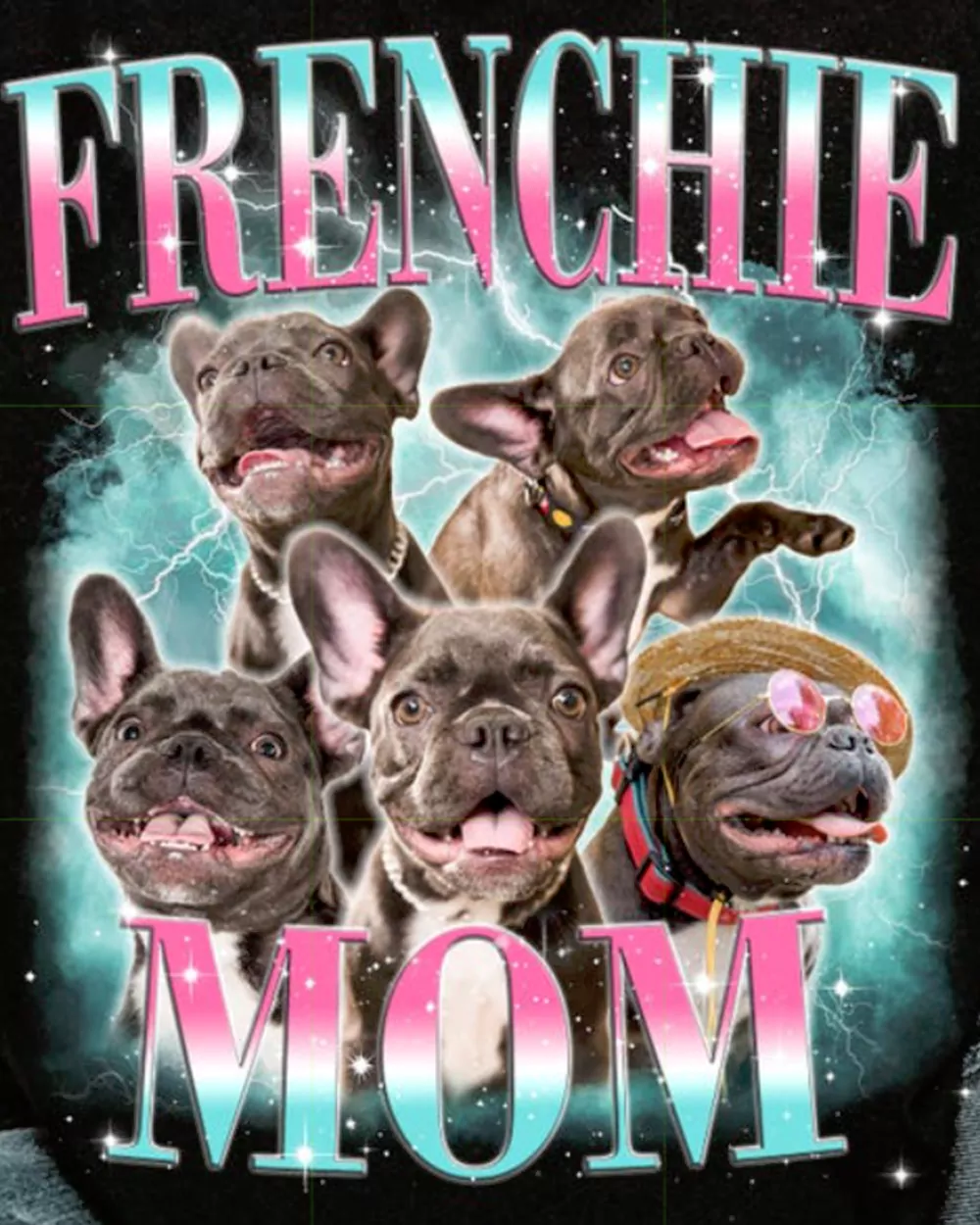
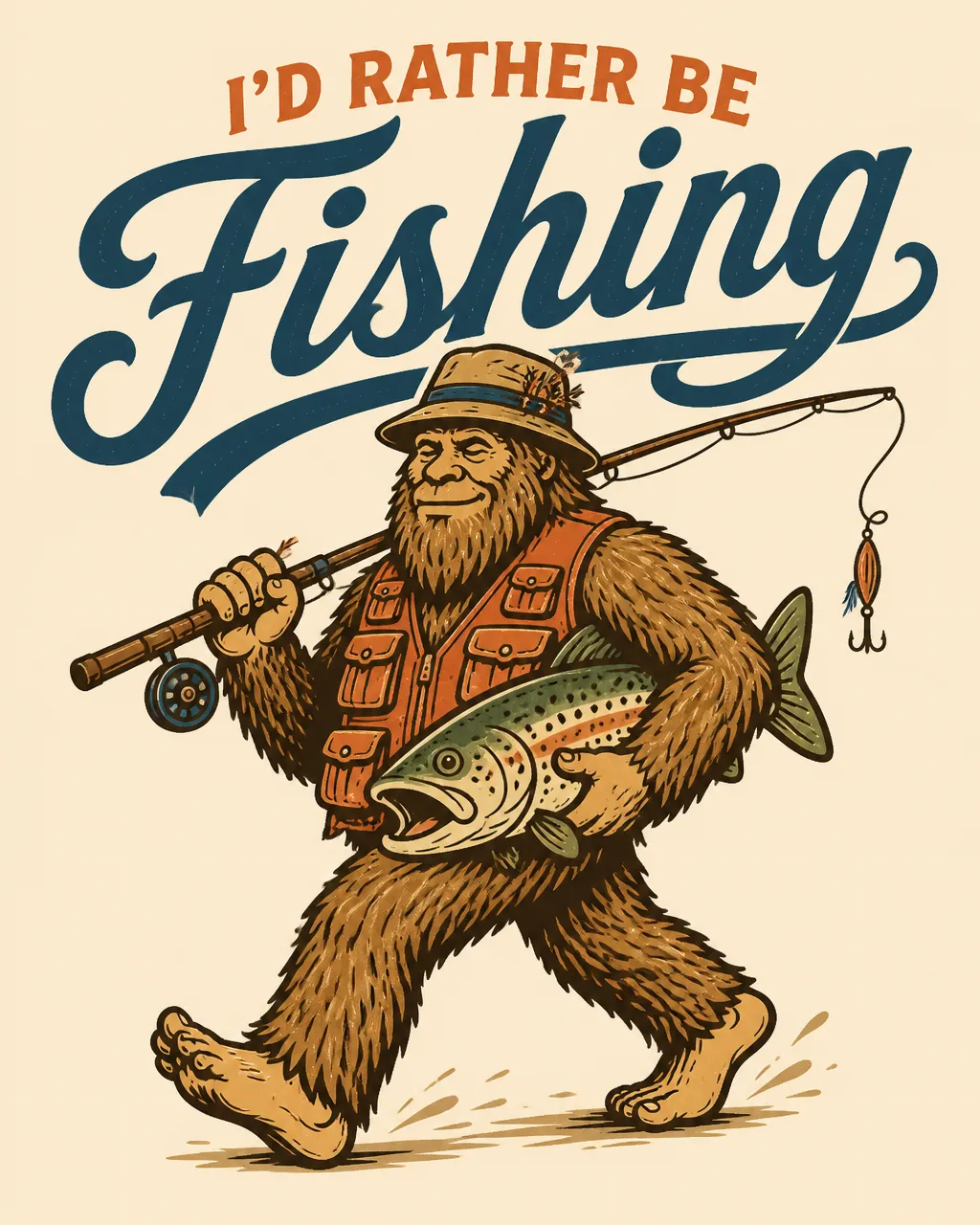
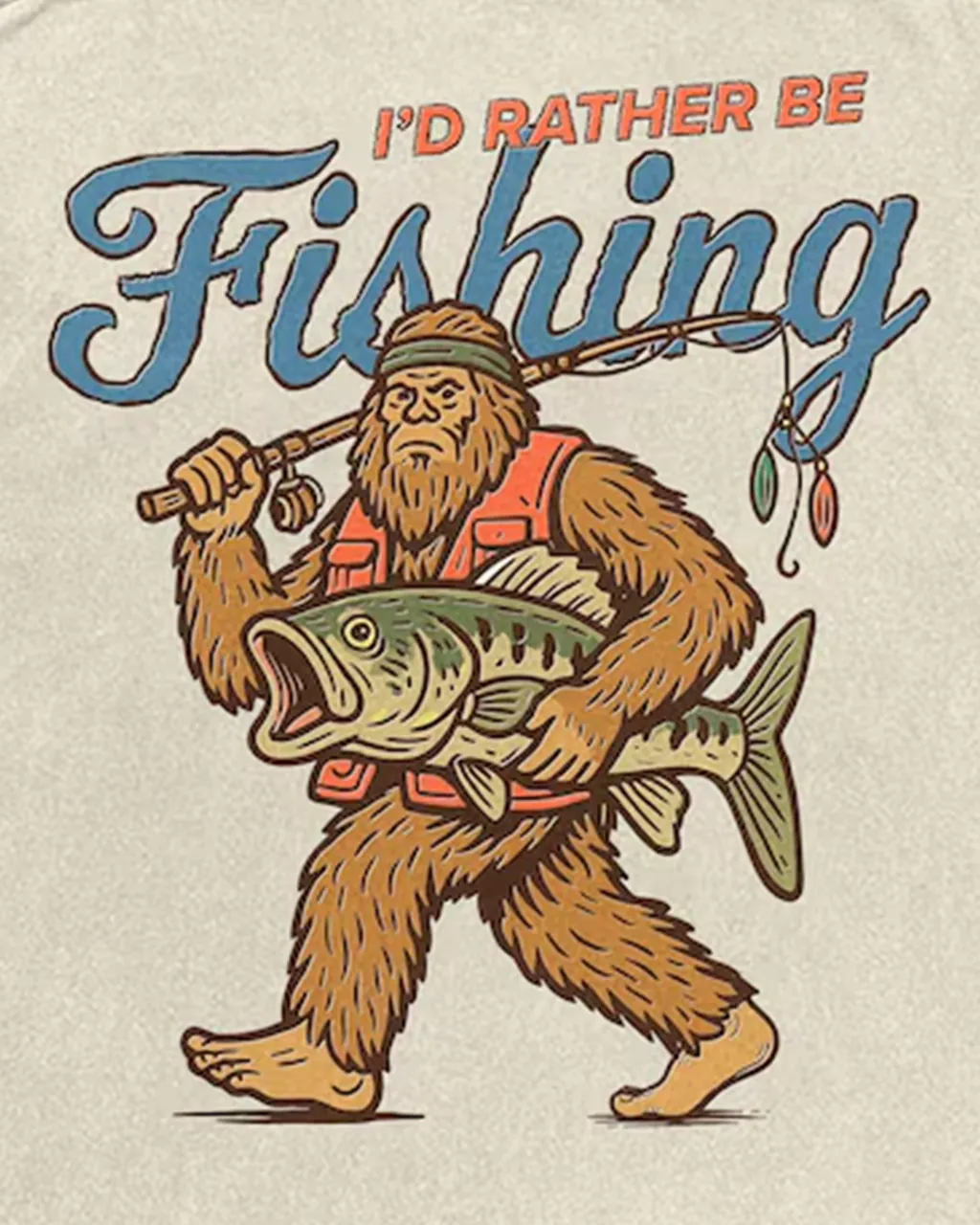
Create multiple styles from one design with a single click. Quick Clone keeps the original composition, Simple Redesign refreshes the look and Creative Redesign creates a completely new variation.
Select a design area right on the web and AI will recreate it as sharp, print-ready artwork in seconds. A complete image-processing toolkit runs directly in your browser with no desktop software required.
The optimized solution for POD designers and sellers on leading platforms
A complete toolkit built into your browser. No Photoshop, no complex prompting and no jumping between multiple tools.
Create multiple styles from one design with a single click. Quick Clone keeps the original composition, Simple Redesign refreshes the look and Creative Redesign creates a completely new variation.
A range of specialized AI background-removal models for different artwork styles, delivering maximum cleanliness and detail.
Automatically place designs on a library of popular real-world Etsy apparel mockups and export product images in bulk within seconds.
Upgrade low-resolution images to sharp, print-ready 4K.
Work directly on the product page without opening a new tab.
Hover over any image and click "Crop with pod1click".
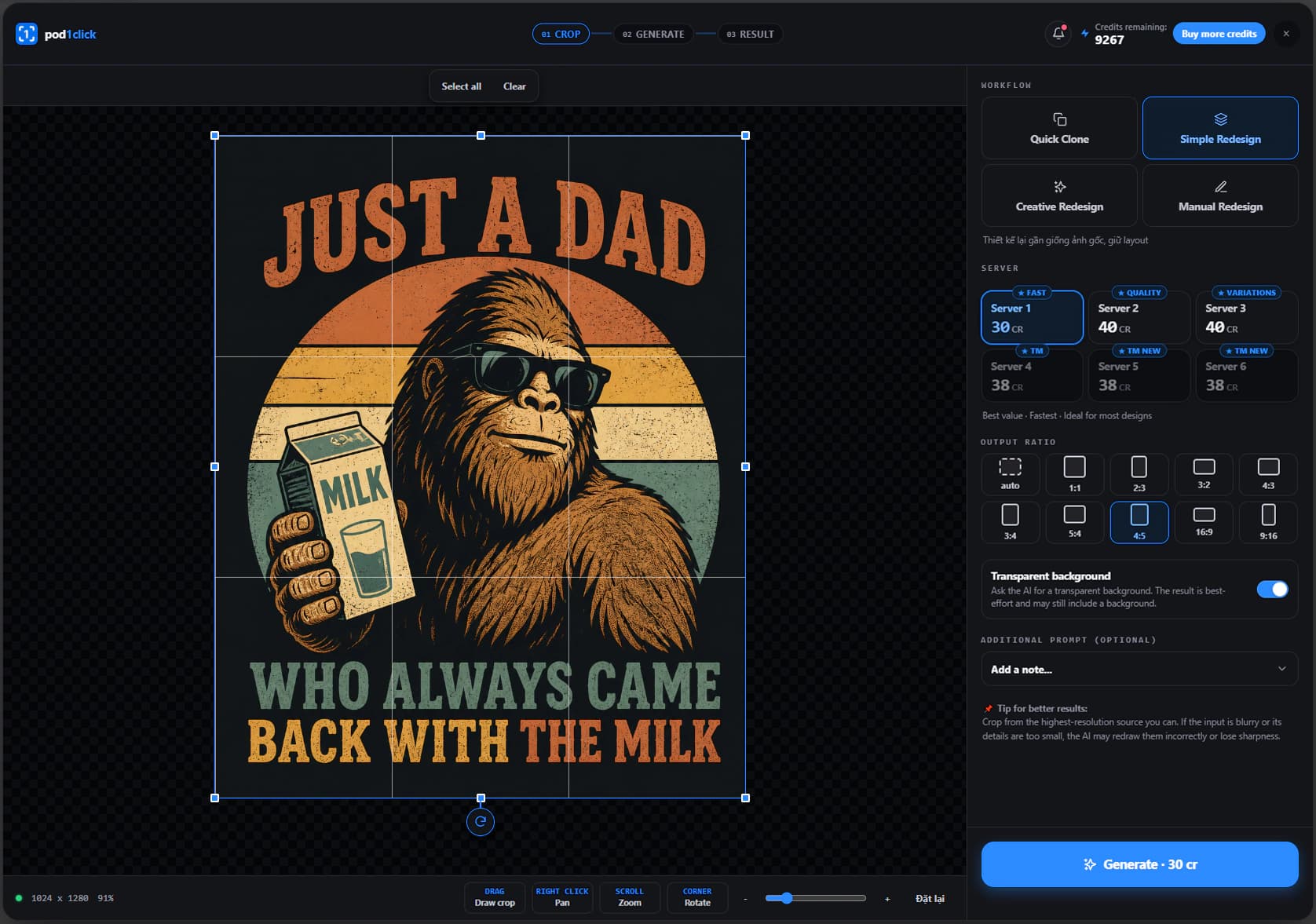
Choose the right Redesign mode and Server, and AI will turn the original into a new design.
Compare it with the original, upscale, remove the background and download the PNG file.
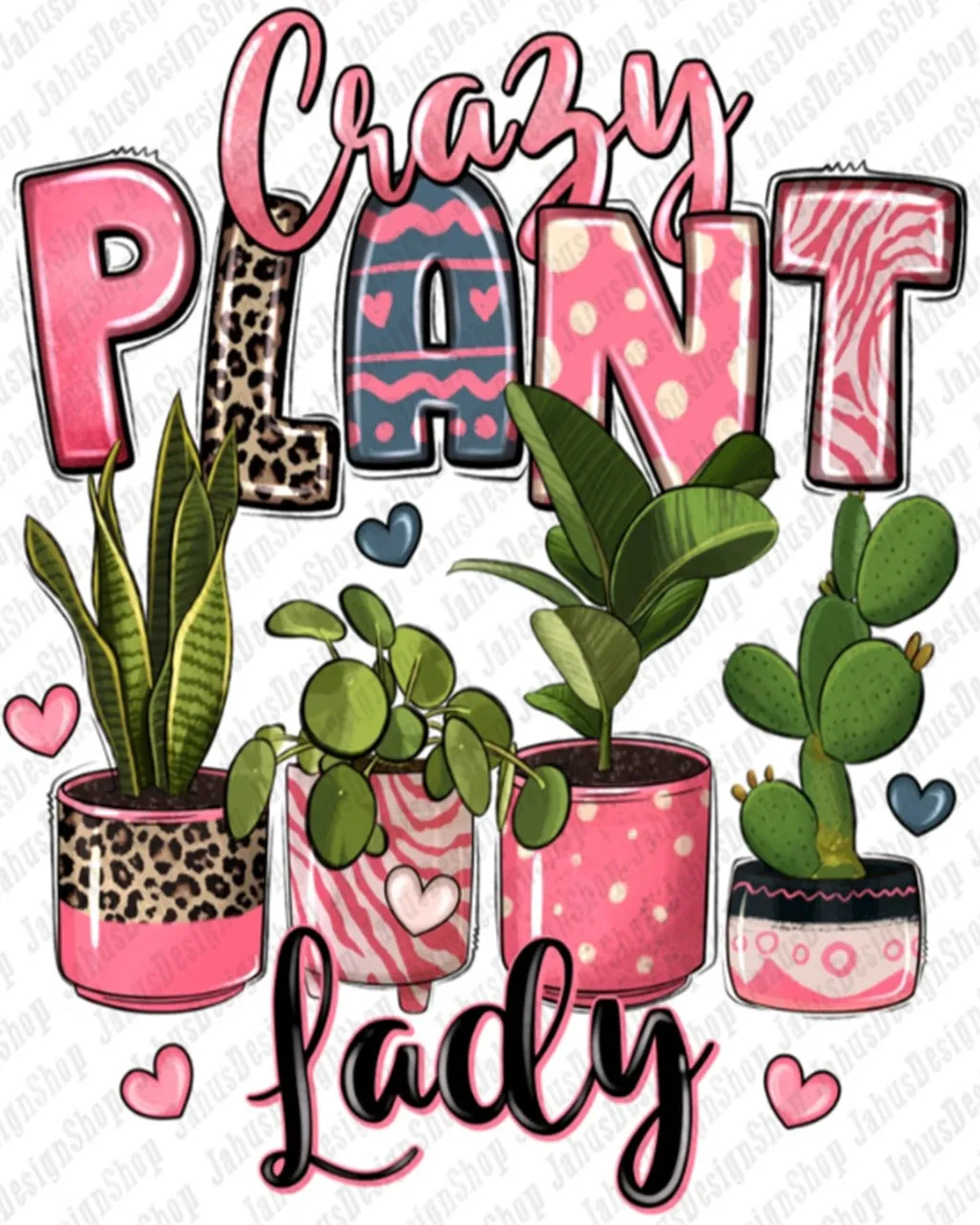
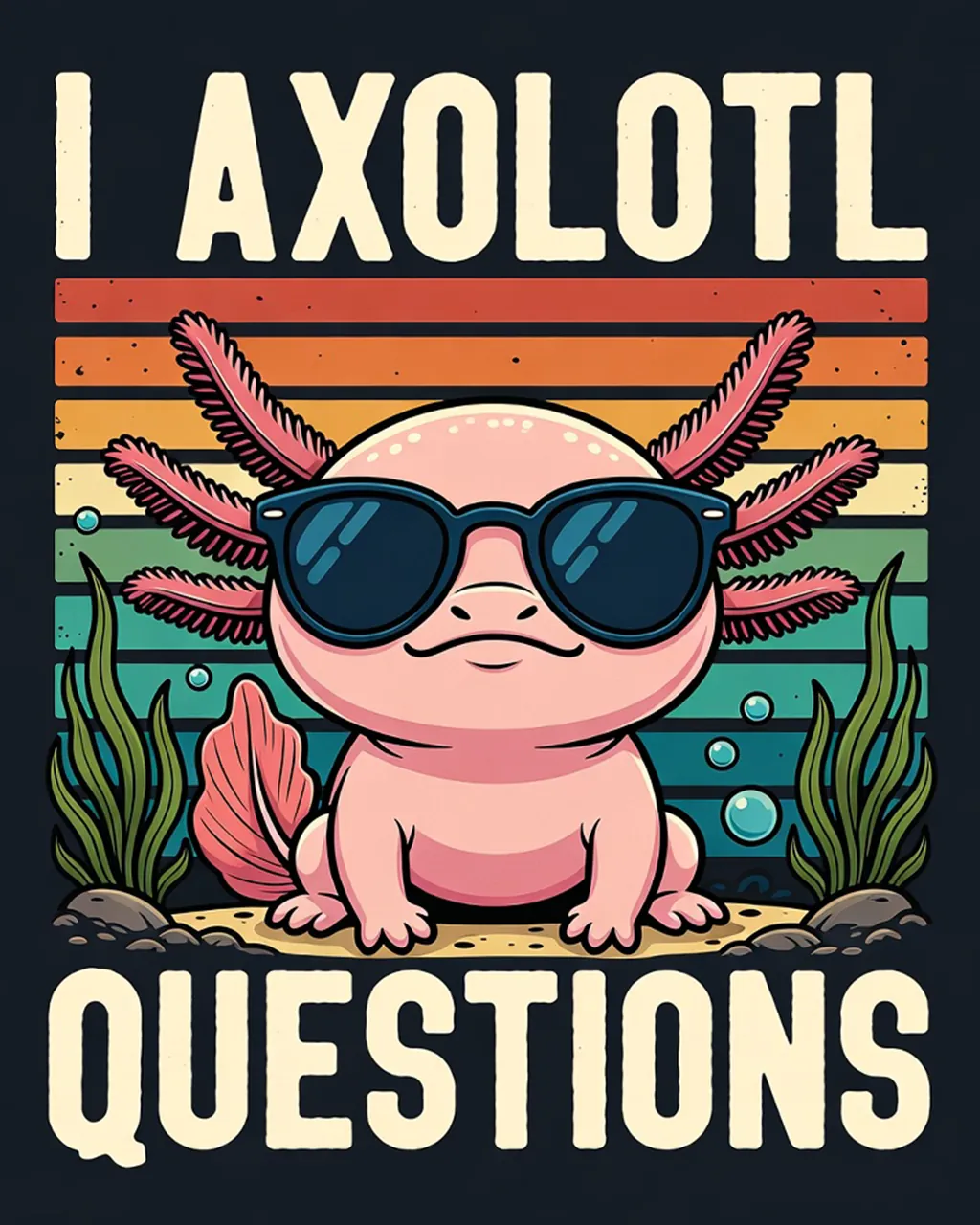
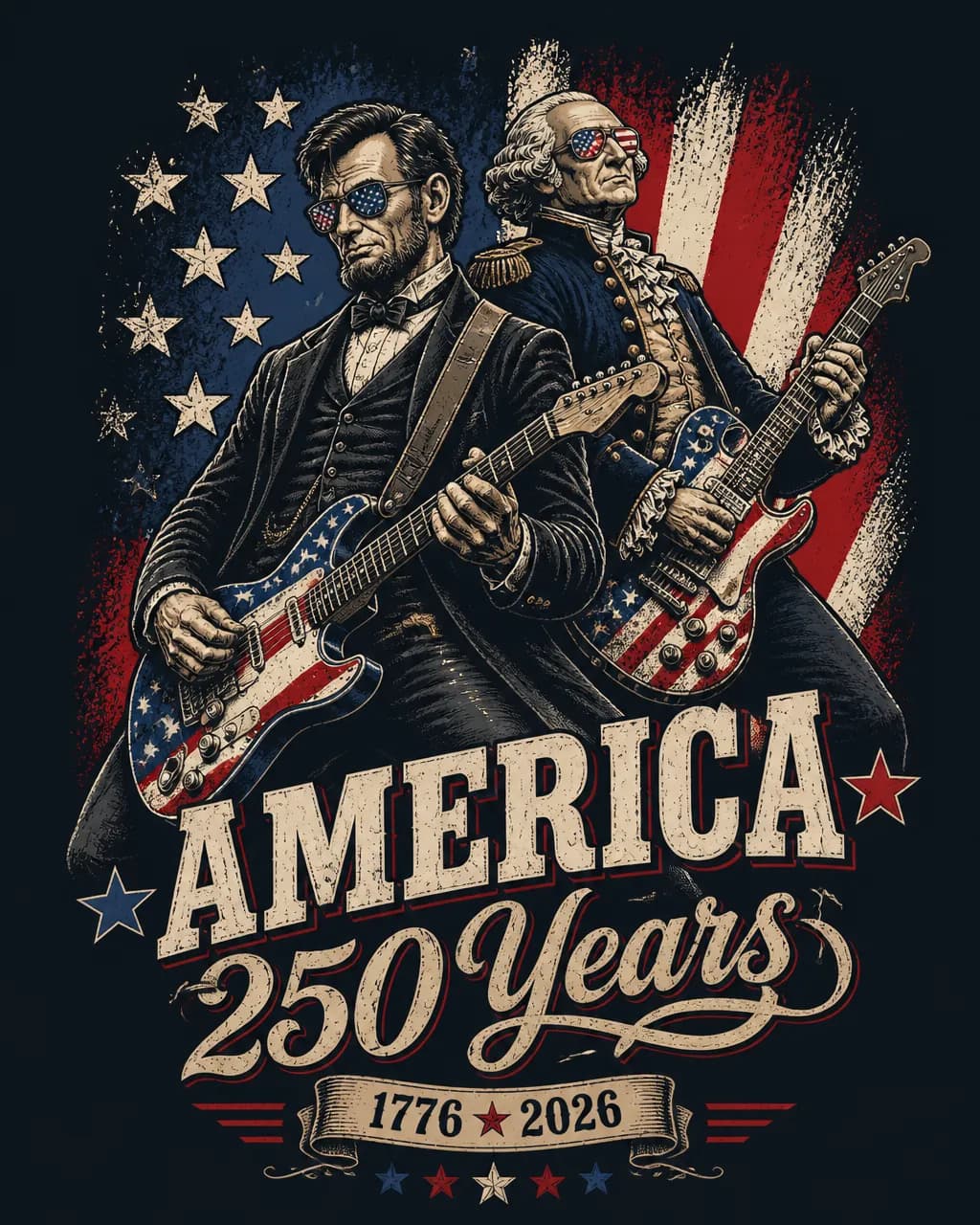
Every image below was created with the three-step workflow above. Drag the slider to compare the detail before and after.
From cropping and generating to upscaling and downloading a print-ready file
No subscription — additional Credits never expire and remain available until you use them all.
Still have questions? Contact us: support@pod1click.com
You only need the Chrome Extension for quick Crop & Redesign. Tools such as Background Removal, Color Background Removal and Mockup work directly in the extension and on the website.
No. Every Credit you add remains valid forever, does not reset each month and is not lost when your Pro Pass expires.
Credits are the balance used to pay for each image generation. Pro Pass is a time-based benefits upgrade that reduces Credit costs by 20–50% per action, unlocks all PRO web tools and enables more parallel processing. You still need Credits to create images with Pro Pass.
No. pod1click does not store card information or charge you automatically. When Pro Pass expires, your account returns to Free and all remaining Credits stay intact.
No. The duration of the new Pro Pass is automatically added after the remaining days on your current pass.
Upgrade when you need the advanced web toolkit or create 50 or more designs per month. At that point, the Credit savings can fully offset the cost of Pro Pass.
Scan the VietQR code with any banking app. The system automatically adds Credits or activates Pro Pass immediately, 24/7, with no manual approval required.
Start using the convenient web tools now. Credits are only deducted when you use AI generation or advanced PRO tools.